Pages
Most of your content are pages — undated, evergreen content. When pages are grouped, they live in their own set, like Shelter Support and About.
List
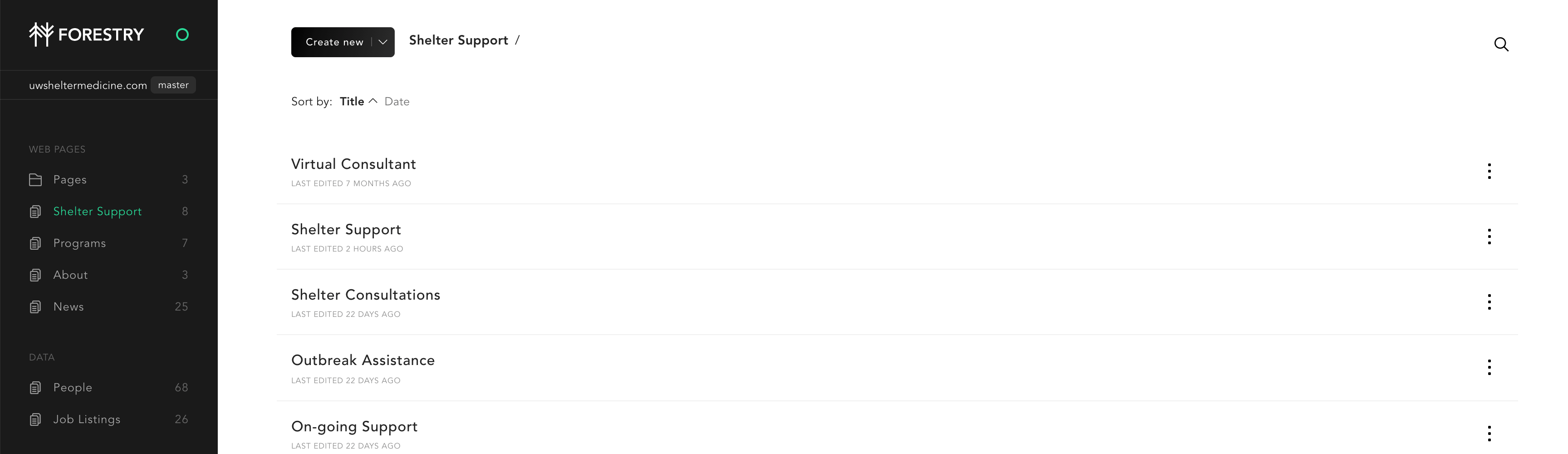
- View your pages by clicking the Pages folder on the left
- You can sort the list by title, or date. You can also search for pages.
New
Create new pages by clicking the black Create new button.
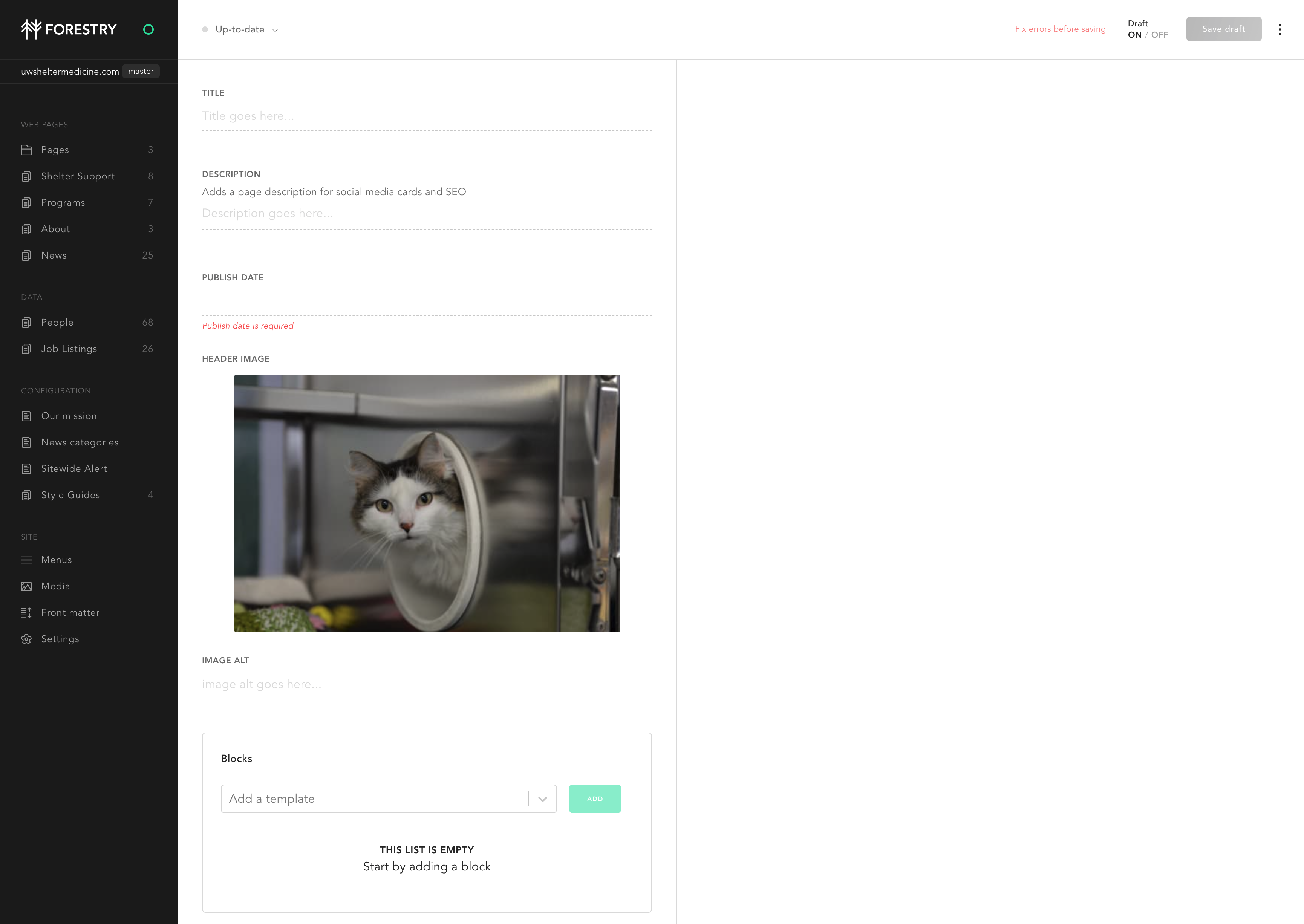
Note we load a default image for you, and the date is required.
Edit
Click on any page to edit it.
Delete or Duplicate
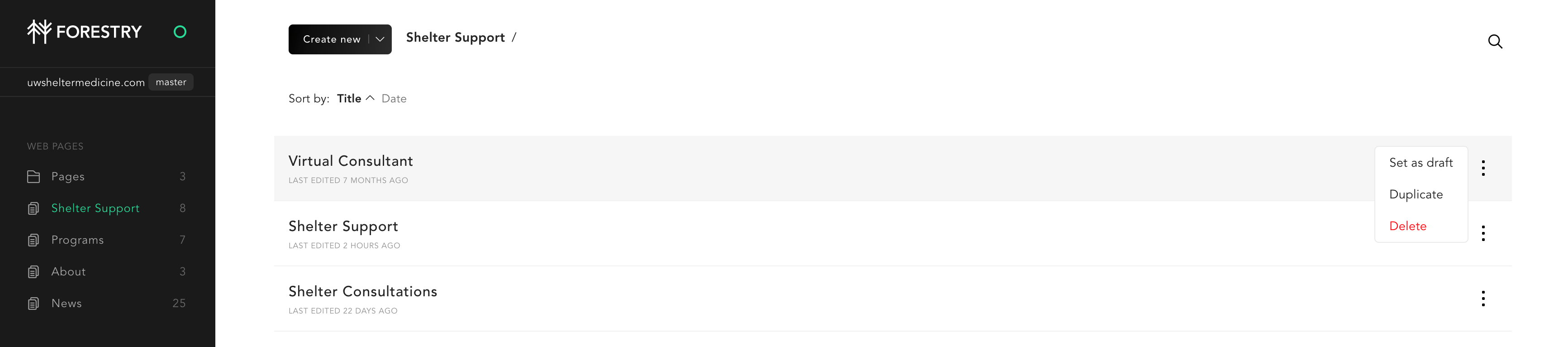
Click on the three dots in the list view to delete or duplicate a page.