Text Editor
Most of your pages are standard text pages. They use the text editor.
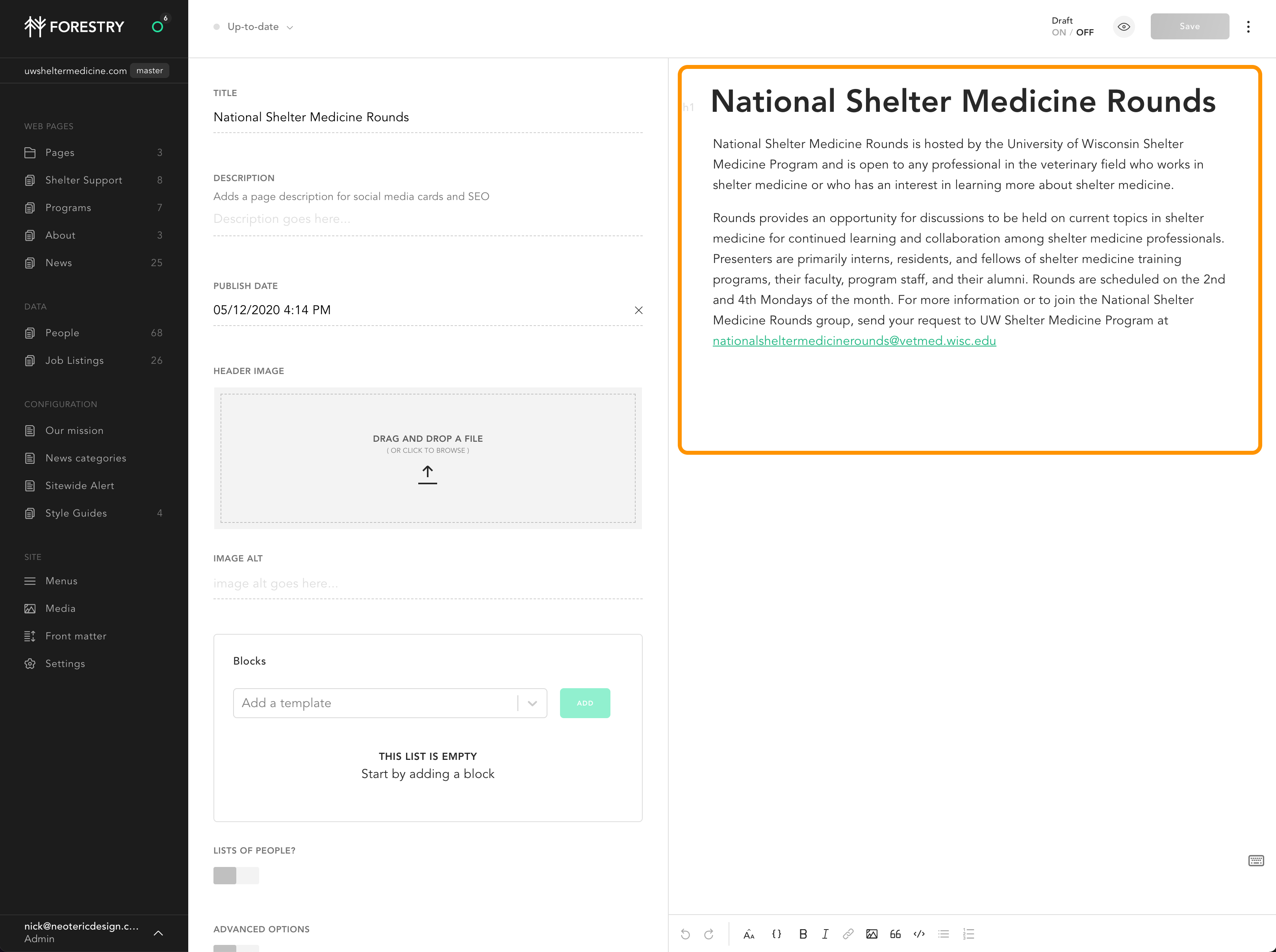
The Control Bar

You’ll see this control bar in multiple locations. Let’s get acquainted with its buttons, from left to right:
Undo/Redo
Useful tools if you’ve made a simple error.
Aa: Headers
Copy on a web page is structured as an outline. Headers define the outline. They are numbered 1 through 6. Paragraphs (p) of text are placed below headers.
Headers work on an entire block of text: they always stand alone. You can’t have a header embedded in the middle of a paragraph.
{}: Snippets
Snippets insert additional code to do things on the page: your people listings and job listings, for example, or an embedded YouTube video.
B, I: Bold, Italics, Link
Style text in a paragraph with these tools. In general, we avoid italics on the web as it’s hard to read.
Image
You can add a full-width image from the asset library to the page, too. See images for more information.
Pull quote
A pull quote is a nice way of highlighting a block of text. It’s often used to quote someone, but can also be used at the start of a page, to highlight some copy.
Code
This is just for programmers, really – it allows you to style code on the page. You can ignore this feature.
Bullet (unordered) list
A regular bullet list.
Number (ordered) list
A regular numbered list.