Save, draft, and publish
Saving your work
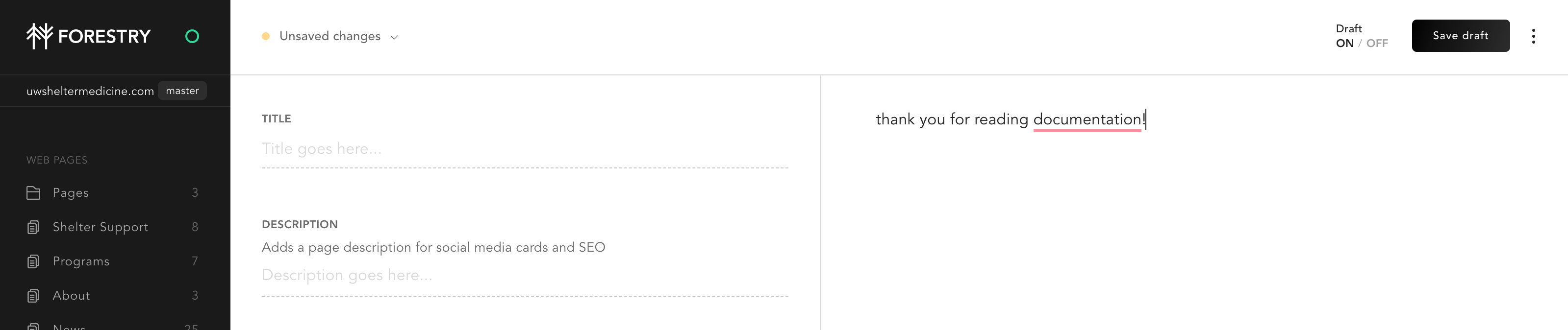
If you make changes, you’ll see Unsaved changes at the top left of your screen, and the Save button will turn black. Make as many edits as you like — then save them when you’re ready.
Draft versus publish
A document in draft mode is not published to the site. You can continue to edit and work on the document. Only when Draft is set to off will the page be published.
Discard your work in progress
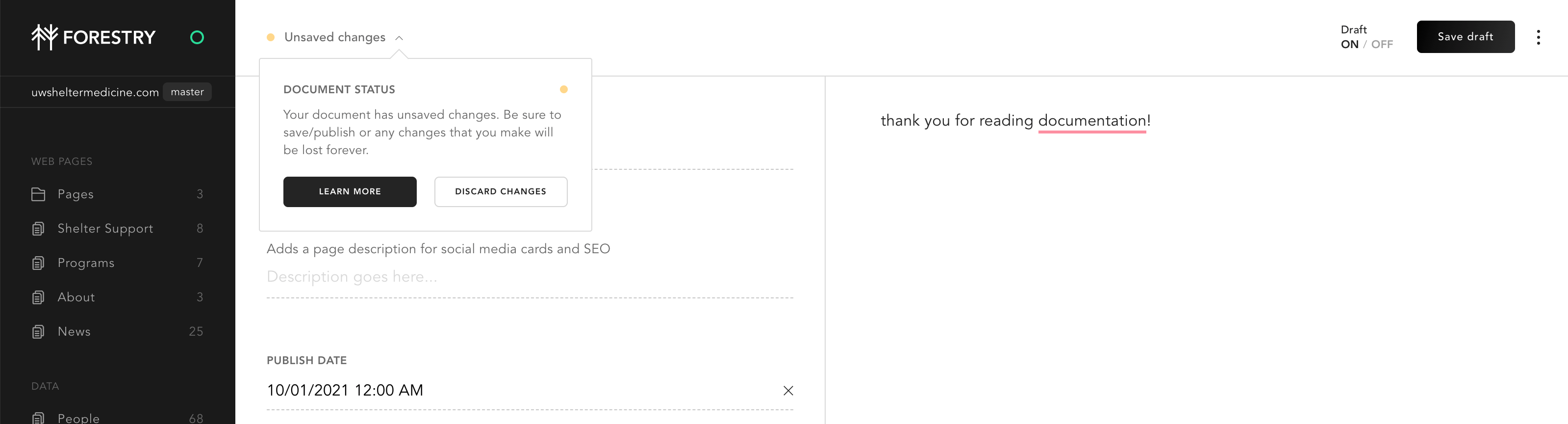
You don’t have to save your changes. If you’ve made a mistake, you can discard your work by clicking Unsaved changes in the upper left corner.